Care reminders made simple

Remindr keeps your personal reminders, patient medication schedules, refill tracking, and daily tasks in one place with notifications and alarms on your phone.

Sign in with email, Google, or Apple. Delete your account any time from the app.
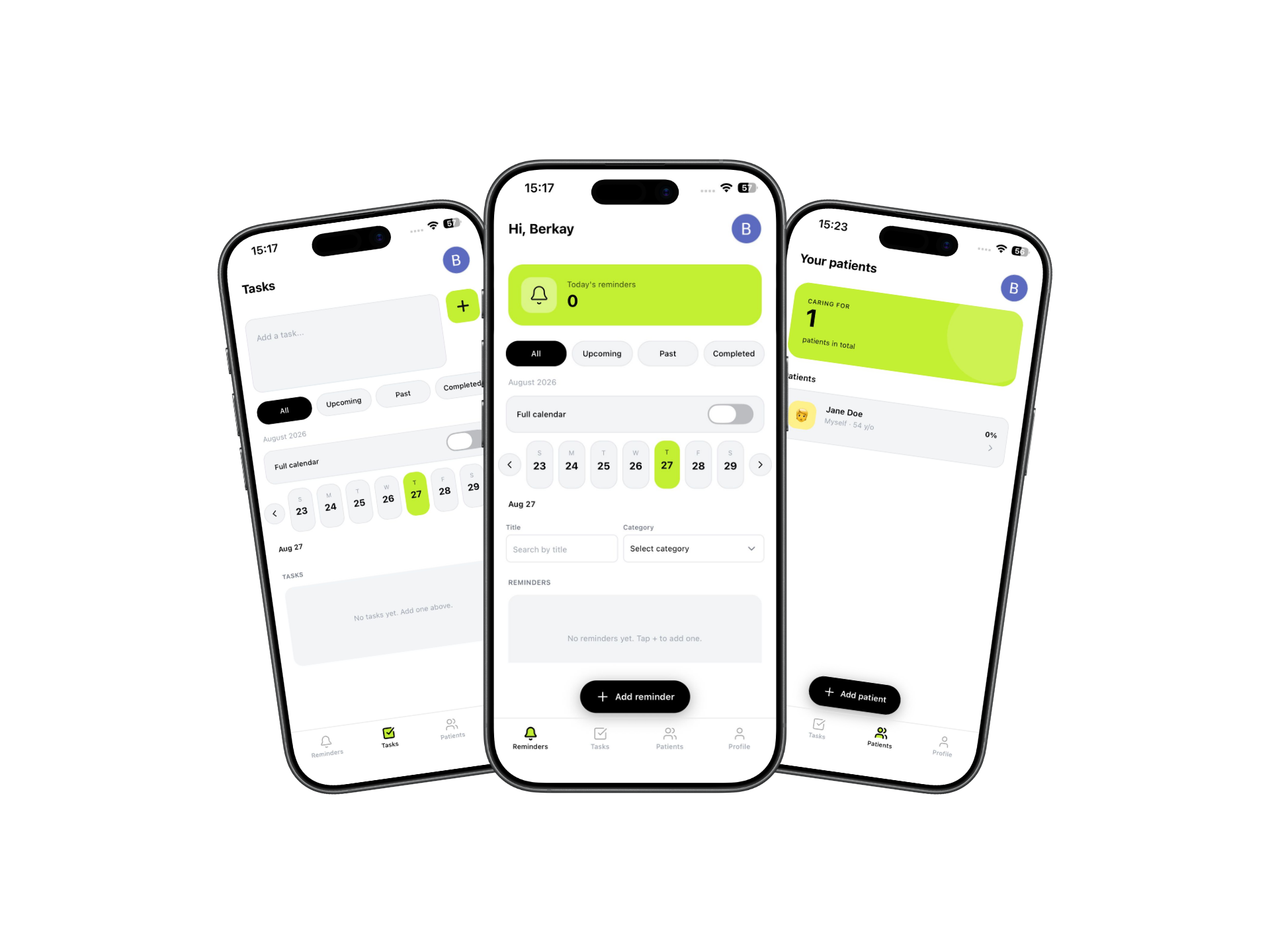
Remindr app reminders and calendar

Three steps, then you're organized

Create patients, add medications with schedules, set reminders and tasks Remindr notifies you when it's time.

1

Add who you're caring for

Create patient profiles with relationship and date of birth, then attach medications with dosage, frequency, and schedule times.

2

Set reminders & tasks

Build one-off or repeating reminders with categories, notes, and multiple daily times. Track tasks with upcoming, past, and completed views.

3

Get notified on time

Remindr schedules local notifications and device alarms (where supported) so doses and reminders aren't missed even with offline sync.
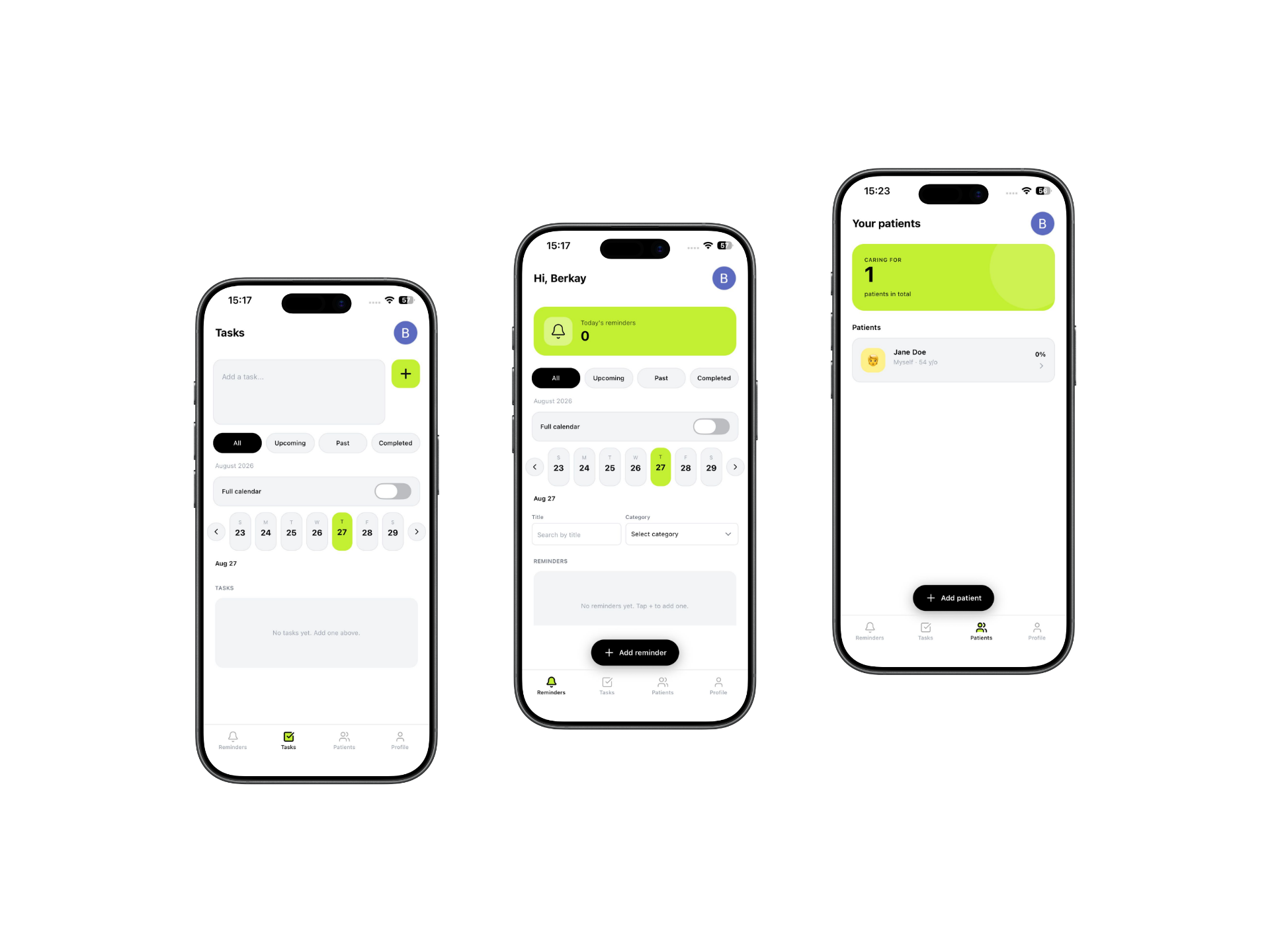
Remindr app patient medications

Personal & patient reminders

Daily, weekly, or monthly repeats with frequency-based schedule times and completion tracking.

Medication management

Dosage, stock, refill logs, dose history, and calendar views per patient.

Tasks & offline-friendly sync

Task lists with filters. Reminders, patients, and medications queue changes when you're offline and sync when connected.

Feedback built in

Send bug reports with optional screenshots so we can improve the app.

Frequently asked questions

Quick answers about sign-in, reminders, medications, offline use, and your data.

How do I sign in?
You can sign in with email and password, Google, or Apple Sign In. If you are new, create an account from the sign-up screen.
How reliable are reminders and alarms?
Remindr schedules local notifications and device alarms where your phone supports them. Delivery depends on notification permissions, battery optimization, and Do Not Disturb settings. We recommend allowing notifications and reducing aggressive battery restrictions for Remindr.
How does medication tracking work?
Create patient profiles, then add medications with dosage, frequency, and schedule times. Remindr helps you track stock, refills, dose history, and calendar views per patient.
Does Remindr work offline?
Yes. Changes to reminders, patients, medications, and tasks are saved locally when you are offline and sync to our servers when you reconnect.
Can I delete my account and my data?
Yes. Open Profile → Details in the app and use the delete account option. See our Delete your data page for what is removed and current limitations.
How old do I need to be to use Remindr?
You must be at least 12 years old to use the Service. Individuals under 12 may not use the Service.
How do I send feedback or report a bug?
Open Send feedback from the app menu. Describe the issue and optionally attach screenshots so we can investigate.